
































Settings
Preferences
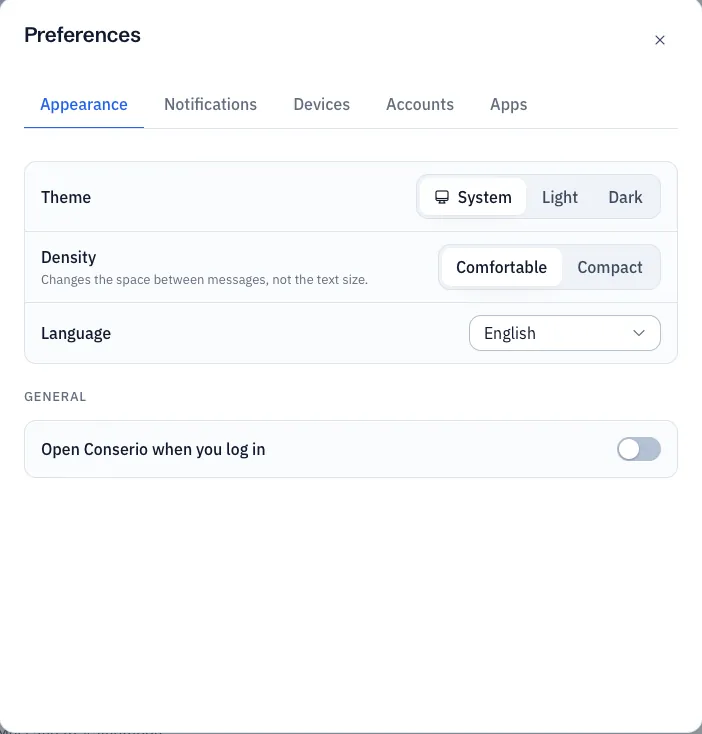
Theme, density, language, opening Conserio when you log in and the width of the sidebar.
Applies to: macOS, Windows
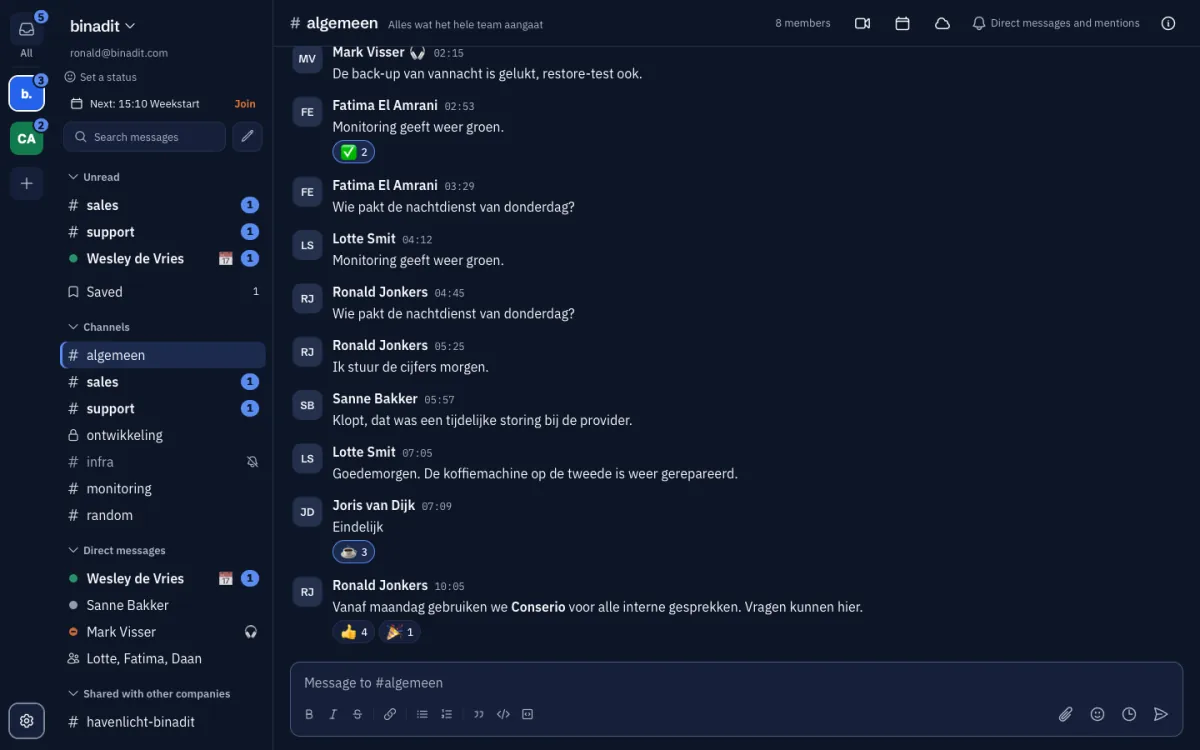
Open Preferences with the gear at the bottom of the account bar, from the account menu, or
with Cmd+, (macOS) or Ctrl+, (Windows). There are four tabs: Appearance,
Notifications, Devices and Accounts. A change takes effect at once.
Appearance
- Theme: System follows your computer’s setting, or choose Light or Dark.
- Density: Comfortable or Compact. This changes the space between messages and in the sidebar, not the text size.
- Language: Dutch or English. The menu of the icon in the menu bar or system tray follows the language too.
General
- Open Conserio when you log in: Conserio starts by itself when you log in to your computer.
Other tabs
- Notifications: see Notifications.
- Devices and Accounts: see Devices and signing out.
The sidebar
You set the width of the sidebar by dragging its edge. Conserio remembers it. See The screen.